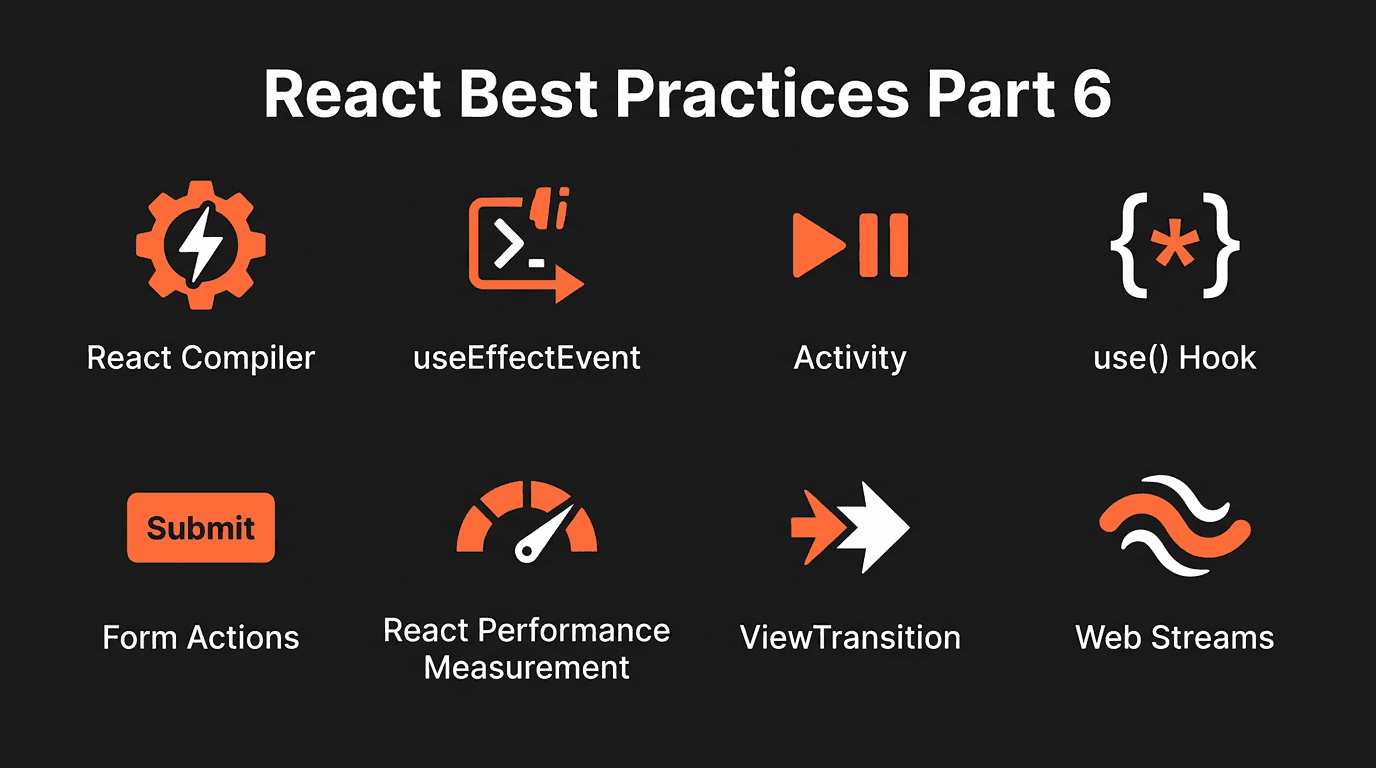
React 19 brings significant improvements: the React Compiler (Forget) for automatic memoization, useEffectEvent for stable event handlers in effects, the Activity component for conditional UI with preserved state, the use() hook for promises and context, form Actions with built-in pending and error handling, the Profiler API for performance measurement, and ViewTransition for animating UI changes.
React Compiler (Forget)
The React Compiler (formerly Forget) automatically memoizes components and values. You no longer need useMemo, useCallback, or memo for performance. The compiler analyzes your code and adds memoization where it matters.
Your code stays the same. The compiler transforms it at build time:
function ProductPage({ product }) {
  const [quantity, setQuantity] = useState(1);
  const total = product.price * quantity;
  const handleAddToCart = () => addToCart(product.id, quantity);

  return (
    <div>
      <h1>{product.name}</h1>
      <p>Total: ${total}</p>
      <button onClick={handleAddToCart}>Add to Cart</button>
    </div>
  );
}
With the compiler enabled, total and handleAddToCart are automatically memoized. Child components re-render only when their inputs change. No manual useMemo or useCallback needed.
Benefits:- Less boilerplate: no useMemo, useCallback, or memo
- Fewer bugs from missing or incorrect dependencies
- Consistent performance without manual optimization
Enable in Next.js via babel-plugin-react-compiler or the experimental compiler option. For new projects, opt in during create-next-app.
useEffectEvent
useEffectEvent lets you define a stable function that always sees the latest props and state, without being a dependency of useEffect. It solves stale closures in effects.
Problem (stale closure):
function Chat({ roomId }) {
  const [message, setMessage] = useState('');

  useEffect(() => {
    const connection = createConnection(roomId);
    connection.connect();

    const handleMessage = (msg) => {
      showNotification(msg, roomId);
    };
    connection.on('message', handleMessage);

    return () => {
      connection.off('message', handleMessage);
      connection.disconnect();
    };
  }, [roomId]);

  return <input value={message} onChange={(e) => setMessage(e.target.value)} />;
}
When roomId changes, the effect re-runs and reconnects. But if showNotification uses roomId, the handler may capture an outdated roomId. Adding roomId to the dependency array forces the effect to reconnect on every room change, which may be unnecessary.
Solution (useEffectEvent):
import { useEffectEvent } from 'react';

function Chat({ roomId }) {
  const onMessage = useEffectEvent((msg) => {
    showNotification(msg, roomId);
  });

  useEffect(() => {
    const connection = createConnection(roomId);
    connection.connect();
    connection.on('message', onMessage);

    return () => {
      connection.off('message', onMessage);
      connection.disconnect();
    };
  }, [roomId]);

  return <input onChange={(e) => setMessage(e.target.value)} />;
}
onMessage is stable across renders. The effect depends only on roomId, so it reconnects only when the room changes. The handler always reads the latest roomId when it runs.
Rules:- useEffectEvent can only be called inside components or hooks
- Do not use it for rendering logic; use it for event handlers passed to effects
Activity
Activity (React 19.2) keeps children mounted but hidden when mode="hidden". It defers updates, unmounts effects, and uses display: none. Useful for tabs, modals, and pre-rendering content in the background.
import { Activity } from 'react';

function Tabs({ defaultTab }) {
  const [activeTab, setActiveTab] = useState(defaultTab);

  return (
    <>
      <nav>
        <button onClick={() => setActiveTab('home')}>Home</button>
        <button onClick={() => setActiveTab('profile')}>Profile</button>
      </nav>
      <Activity mode={activeTab === 'home' ? 'visible' : 'hidden'}>
        <HomeTab />
      </Activity>
      <Activity mode={activeTab === 'profile' ? 'visible' : 'hidden'}>
        <ProfileTab />
      </Activity>
    </>
  );
}
When a tab is hidden, its component stays mounted. State is preserved. Effects are paused. When the tab becomes visible again, it resumes without re-mounting.
Modes:- visible: normal rendering, effects run
- hidden: children hidden (display: none), effects unmounted, updates deferred
use() Hook
use() reads a promise or context during render. It works with Suspense: when the promise is pending, the component suspends. When it resolves, rendering continues with the value.
import { use, Suspense, useState } from 'react';

function MessageComponent({ messagePromise }) {
  const message = use(messagePromise);
  return <p>{message.content}</p>;
}

function Page() {
  const [messagePromise, setMessagePromise] = useState(null);

  return (
    <>
      <button onClick={() => setMessagePromise(fetch('/api/message').then(r => r.json()))}>
        Load message
      </button>
      {messagePromise && (
        <Suspense fallback={<p>Loading...</p>}>
          <MessageComponent messagePromise={messagePromise} />
        </Suspense>
      )}
    </>
  );
}
use() can also read React context, so you can conditionally use context inside components (e.g. inside try/catch or conditionals) without the usual rules.
Actions
Form actions integrate with useActionState for pending and error state. Pass an action to form action and use useActionState to handle the result.
'use client';

import { useActionState } from 'react';
import { submitForm } from './actions';

function ContactForm() {
  const [state, formAction] = useActionState(submitForm, null);

  return (
    <form action={formAction}>
      <input name="email" type="email" required />
      <input name="message" type="text" required />
      <button type="submit">Send</button>
      {state?.error && <p>{state.error}</p>}
    </form>
  );
}
useActionState returns [state, formAction]. The form submits the action; React handles pending state during the request. useFormStatus gives you access to pending inside child components.
useOptimistic lets you show optimistic UI before the server responds. Combine with actions for a smooth update flow.
React Performance Measurement
Measure render performance with the Profiler API. Wrap components to capture actualDuration, baseDuration, and phase (mount/update).
import { Profiler } from 'react';

function onRender(id, phase, actualDuration, baseDuration) {
  console.log(`${id} (${phase}) took ${actualDuration}ms (base: ${baseDuration}ms)`);
}

function App() {
  return (
    <Profiler id="App" onRender={onRender}>
      <Dashboard />
    </Profiler>
  );
}
onRender receives id, phase, actualDuration (time spent rendering), baseDuration (estimated without memoization), startTime, and commitTime. Use it to log slow renders or send metrics to analytics.
Full callback signature:
function onRender(id, phase, actualDuration, baseDuration, startTime, commitTime) {
  const report = {
    id,
    phase,
    actualDuration,
    baseDuration,
    startTime,
    commitTime,
  };
  sendToAnalytics(report);
}

<Profiler id="HeavyList" onRender={onRender}>
  <ProductList items={items} />
</Profiler>
React DevTools Profiler tab provides flame charts and commit timelines. For production profiling, use the react-dom/profiling build. Profiling adds overhead; keep it in development or behind a feature flag.
ViewTransition
View transitions animate UI changes. You can use pure CSS, the native View Transitions API, or React's ViewTransition component (Canary). Each has different trade-offs.
Pure CSS (transitions / keyframes):
.panel {
  transition: opacity 0.3s ease, transform 0.3s ease;
}

.panel.enter {
  opacity: 0;
  transform: translateY(10px);
}

.panel.enter.active {
  opacity: 1;
  transform: translateY(0);
}

.panel.exit {
  opacity: 1;
}

.panel.exit.active {
  opacity: 0;
  transform: translateY(-10px);
}
Toggle classes on enter/exit. No snapshot capture. Lightweight for simple fade/slide.
Pros:- No extra API or runtime
- Low memory, no image capture
- Works everywhere
- Layout changes (shifting content) are hard
- Shared element transitions are impractical
- Manual class toggling and coordination
function updateDOM() {
  document.body.innerHTML = newContent;
}

if (document.startViewTransition) {
  document.startViewTransition(() => updateDOM());
} else {
  updateDOM();
}
document.startViewTransition wraps DOM updates. The browser captures old/new state and cross-fades. Style with ::view-transition-old and ::view-transition-new.
Pros:- Handles layout changes smoothly
- Shared element transitions supported
- Compositor-driven, GPU-accelerated
- Snapshot capture overhead
- Requires manual coordination with React updates
- Not all browsers support it yet
import { ViewTransition, useState, startTransition } from 'react';

function Item() {
  return (
    <ViewTransition enter="auto" exit="auto" default="none">
      <div className="panel">Content</div>
    </ViewTransition>
  );
}

function App() {
  const [show, setShow] = useState(false);
  return (
    <>
      <button onClick={() => startTransition(() => setShow((s) => !s))}>
        Toggle
      </button>
      {show && <Item />}
    </>
  );
}
React coordinates when transitions run. Only activates with startTransition, Suspense, or useDeferredValue. Integrates with Activity for state-preserving enter/exit.
Pros:- Integrated with React's update cycle
- Works with Suspense and Transitions
- enter/exit/update/share props for custom animations
- Canary/Experimental only
- Same snapshot overhead as native API
- DOM-only for now
Use pure CSS for simple cases. Use the native API or React ViewTransition for layout changes, shared elements, and page transitions. Always respect prefers-reduced-motion.
Web Streams API
The Web Streams API lets you consume data incrementally instead of waiting for the full response. Useful for large payloads, SSE, and streaming UI updates.
ReadableStream + async generator:
async function* streamJson(url) {
  const res = await fetch(url);
  const reader = res.body.getReader();
  const decoder = new TextDecoder();
  let buffer = '';

  while (true) {
    const { done, value } = await reader.read();
    if (done) break;
    buffer += decoder.decode(value, { stream: true });
    const lines = buffer.split('\n');
    buffer = lines.pop() || '';
    for (const line of lines) {
      if (line.startsWith('data: ')) {
        const data = JSON.parse(line.slice(6));
        yield data;
      }
    }
  }
}
Read chunks with reader.read(), decode with TextDecoder, and process line-by-line. Common for SSE or NDJSON.
Fetch with streaming body:
async function StreamedList() {
  const res = await fetch('/api/items', { cache: 'no-store' });
  const reader = res.body.getReader();
  const decoder = new TextDecoder();
  const chunks = [];

  while (true) {
    const { done, value } = await reader.read();
    if (done) break;
    chunks.push(decoder.decode(value, { stream: true }));
  }

  const body = chunks.join('');
  const data = JSON.parse(body);
  return <ul>{data.items.map(i => <li key={i.id}>{i.name}</li>)}</ul>;
}
response.body is a ReadableStream. Read until done, then parse the accumulated body.
TransformStream:
const uppercaseStream = new TransformStream({
  transform(chunk, controller) {
    controller.enqueue(chunk.toUpperCase());
  }
});

async function processStream(readable) {
  const transformed = readable.pipeThrough(
    new TextDecoderStream()
  ).pipeThrough(uppercaseStream);

  const reader = transformed.getReader();
  let result = '';
  while (true) {
    const { done, value } = await reader.read();
    if (done) break;
    result += value;
  }
  return result;
}
pipeThrough chains transforms. TextDecoderStream decodes bytes to text; custom TransformStreams modify the data in flight.
React + use() + streams:
import { use, Suspense } from 'react';

async function streamToText(stream) {
  const reader = stream.getReader();
  const decoder = new TextDecoder();
  const chunks = [];
  while (true) {
    const { done, value } = await reader.read();
    if (done) break;
    chunks.push(decoder.decode(value));
  }
  return chunks.join('');
}

function StreamContent({ contentPromise }) {
  const content = use(contentPromise);
  return <pre>{content}</pre>;
}

function Page() {
  const contentPromise = fetch('/api/stream').then(r => streamToText(r.body));

  return (
    <Suspense fallback={<p>Streaming...</p>}>
      <StreamContent contentPromise={contentPromise} />
    </Suspense>
  );
}
Convert the stream to a promise (e.g. full text), pass it to use(), and wrap in Suspense. The component suspends until the stream finishes.
Conclusion
React 19 and 19.2 add tools that reduce boilerplate and improve performance and DX:
- React Compiler: Automatic memoization without useMemo/useCallback/memo
- useEffectEvent: Stable event handlers in effects for correct, non-stale behavior
- Activity: Preserve state and hide UI without unmounting
- use(): Read promises and context during render with Suspense
- Actions: Form actions with useActionState, useFormStatus, and useOptimistic
- Performance Measurement: Profiler API for programmatic render timing and React DevTools for flame charts
- ViewTransition: CSS, native API, or React component for animating UI changes
- Web Streams API: ReadableStream, TransformStream, and streaming fetch for incremental data and React integration
Adopting these patterns keeps React code simpler and more maintainable as the ecosystem evolves.